Home / Products & Tools / Background Remover
Free tool · No sign-up · Runs in your browserRemove the background from your image for free.
Upload a photo, remove its background in seconds, then fine-tune the edges with simple brushes. Download a transparent PNG or place your subject on any colour. Your image never leaves your device.
- No sign-up
- 100% private
- Transparent PNG
- No watermark
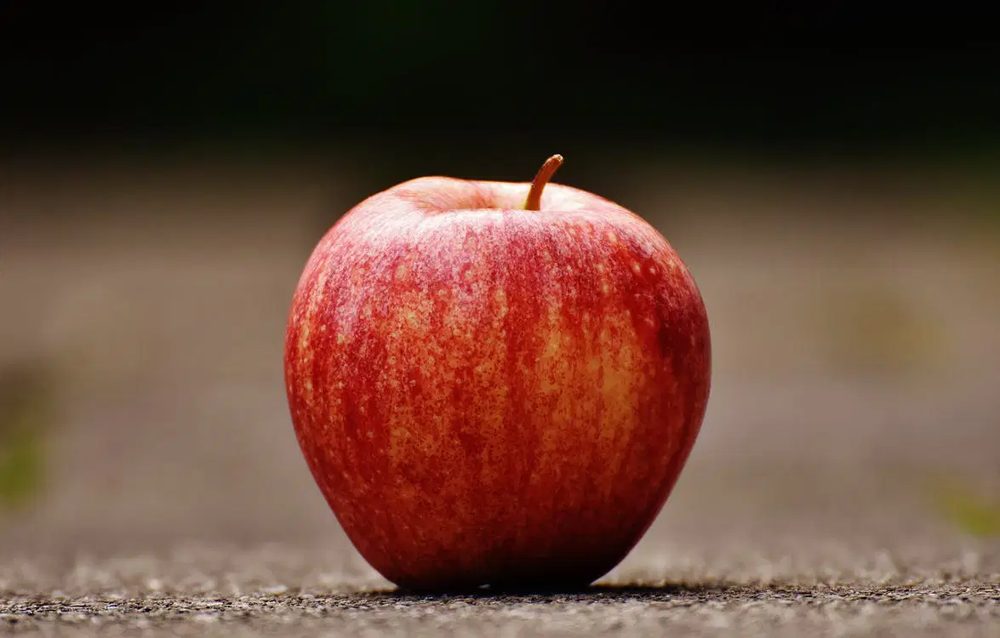
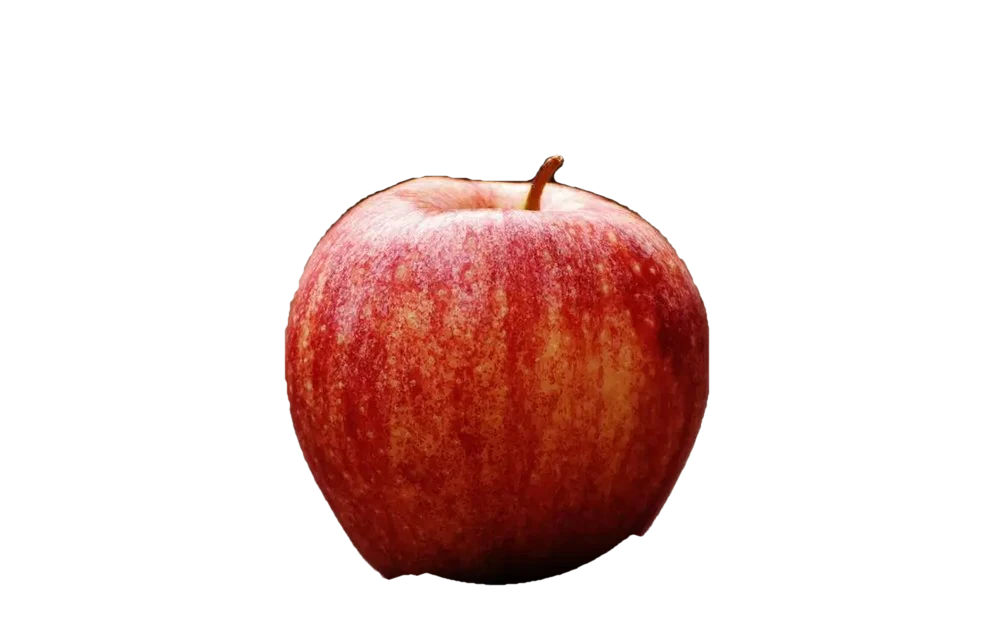
Tip: if part of your subject disappears, lower the tolerance or paint it back with Restore.
How to remove a background in 3 steps
- 1
Upload your image
Drag and drop a JPG, PNG or WebP, click to browse, or paste with Ctrl+V.
- 2
Remove and refine
The background disappears automatically. Adjust tolerance, edge softness or paint with the brushes.
- 3
Download
Choose PNG, WebP or JPG, pick a background if you want one, and download.
Why use our free background remover
100% private
Your photo is processed inside your browser. It is never uploaded, stored or shared.
Free, no sign-up
No account, watermark or daily limit. Remove as many backgrounds as you like.
Transparent PNG
Download a transparent PNG or WebP, or place your subject on white, black or any colour.
Brush refinement
Fix tricky edges with Erase and Restore brushes, with adjustable size, softness and undo.
Colour-key mode
Pick a background colour and remove it everywhere, perfect for green and blue screens.
Works on any device
Use it on a phone, tablet or computer. No app or software to install.
Perfect for every kind of project
- Product photos for online shops
- Profile and ID photos
- Logos and signatures
- Social media posts
- Marketplace listings
- Posters, flyers and presentations
- Thumbnails and banners
- Print and merchandise designs
Free online background remover: transparent PNG in seconds
Our free background remover lets you remove the background from an image online without installing software or creating an account. Upload a photo, and the tool finds the background, removes it and gives you a clean cut-out you can save as a transparent PNG. It is ideal for product photos, profile pictures, logos, signatures, social media graphics and marketplace listings.
Remove a background, then refine the edges
After the automatic removal, fine-tune the result with simple controls. Adjust the tolerance to keep more or less of your subject, shift and soften the edges, and reduce colour fringes with defringe. Use the Erase and Restore brushes to correct small mistakes, and switch to colour-key mode to remove a single colour, such as a green screen, from the whole picture.
Change or replace the background colour
Need a white background for an online shop or a coloured background for a poster? Pick White, Black or a custom colour and download your picture as a JPG or PNG. You can also keep it transparent to place the subject on your own designs.
Private by design
Because the background is removed in your browser, your pictures are never uploaded to a server. That keeps personal and client photos private and gives you instant results.
Frequently asked questions
Is the background remover really free?
Yes. It is free to use, needs no sign-up, adds no watermark and has no daily limit. You can use the results for personal and commercial projects.
Is my image uploaded to a server?
No. Everything happens inside your browser, so your photo never leaves your device. This makes the tool private and fast, even on large images.
Which image formats can I use?
You can upload JPG, PNG and WebP files up to 50 MB, plus other formats your browser can open. You can download the result as a transparent PNG or WebP, or as a JPG with a background colour.
How do I get a transparent PNG?
Upload your image, wait for the background to be removed, choose the PNG format with the Transparent background option and press Download.
Why did part of my subject disappear?
This happens when the subject has colours close to the background. Lower the tolerance, then paint the missing area back with the Restore brush. If background remains, raise the tolerance or pick the background colour with the colour picker.
Can I put a white background behind my subject?
Yes. Choose White, Black or any custom colour in the Background options, then download as JPG or PNG. This is useful for product listings and ID photos.
Does it use AI?
No. The tool analyses the colours along the edges of your picture to find and remove the background, then cleans the edges. It works best with plain or clearly contrasting backgrounds. For busy backgrounds, finish the cut-out with the brushes.
More free tools from SOFT PRO IT
Ready to cut out your image?
Remove the background in seconds. Free, private and no sign-up.